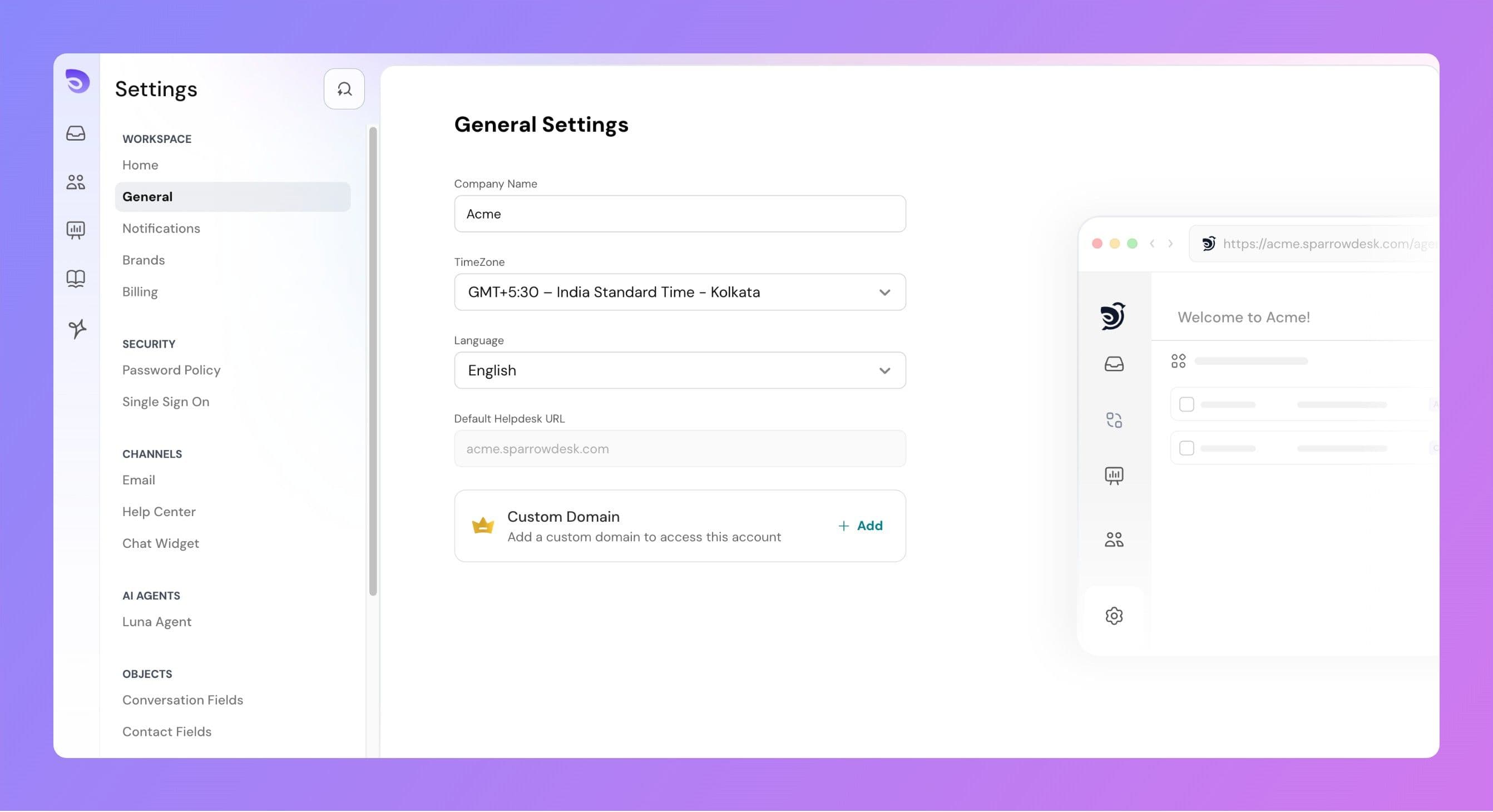
The Account Details section in Desk allows you to configure important settings for your workspace, such as your company name, time zone, account language, and custom domain.
Company Name
This is the name associated with your SparrowDesk account.
It will appear in various areas across the platform, including emails and the admin interface.
You can update this field anytime to reflect your organization’s current name.
Time Zone
The selected time zone is used across the platform for all time-related data, such as:
Conversation timestamps
SLA calculations
Report generation times
Changing the time zone updates how all timestamps are displayed for users in the account.
Language
The account language controls the product interface language.
When changed:
All product-level texts (buttons, menus, labels) will be updated to the selected language.
Dynamic data such as conversation messages, custom field names, or contact details will remain unchanged.
Currently, Desk supports English and Spanish.
Default Helpdesk URL
Every account is provided with a default helpdesk URL in the format: yourcompany.sparrowdesk.com